We built a production jewelry storefront called Linea — complete with product catalog, variant selection, search with faceted filtering, wishlists, and full checkout — using five different JavaScript frameworks. Same design. Same API. Same SEO. Then we ran Lighthouse on all of them.
The goal wasn't to crown a winner. It was to figure out what actually makes an e-commerce storefront fast, and how each framework gets there differently.
Here's what we learned.
The Five Contenders
| Framework | Rendering Strategy | Live Demo |
|---|---|---|
| React + Vite | Client-side SPA | https://linea.demo.commercengine.com |
| TanStack Start | SSG with link crawling | https://linea-tanstack.demo.commercengine.io |
| Next.js (App Router) | SSG with ISR | https://linea-next.demo.commercengine.com |
| Astro | SSG with island hydration | https://linea-astro.demo.commercengine.com |
| SvelteKit (Svelte 5) | SSG with static adapter | https://linea-svelte.demo.commercengine.com |
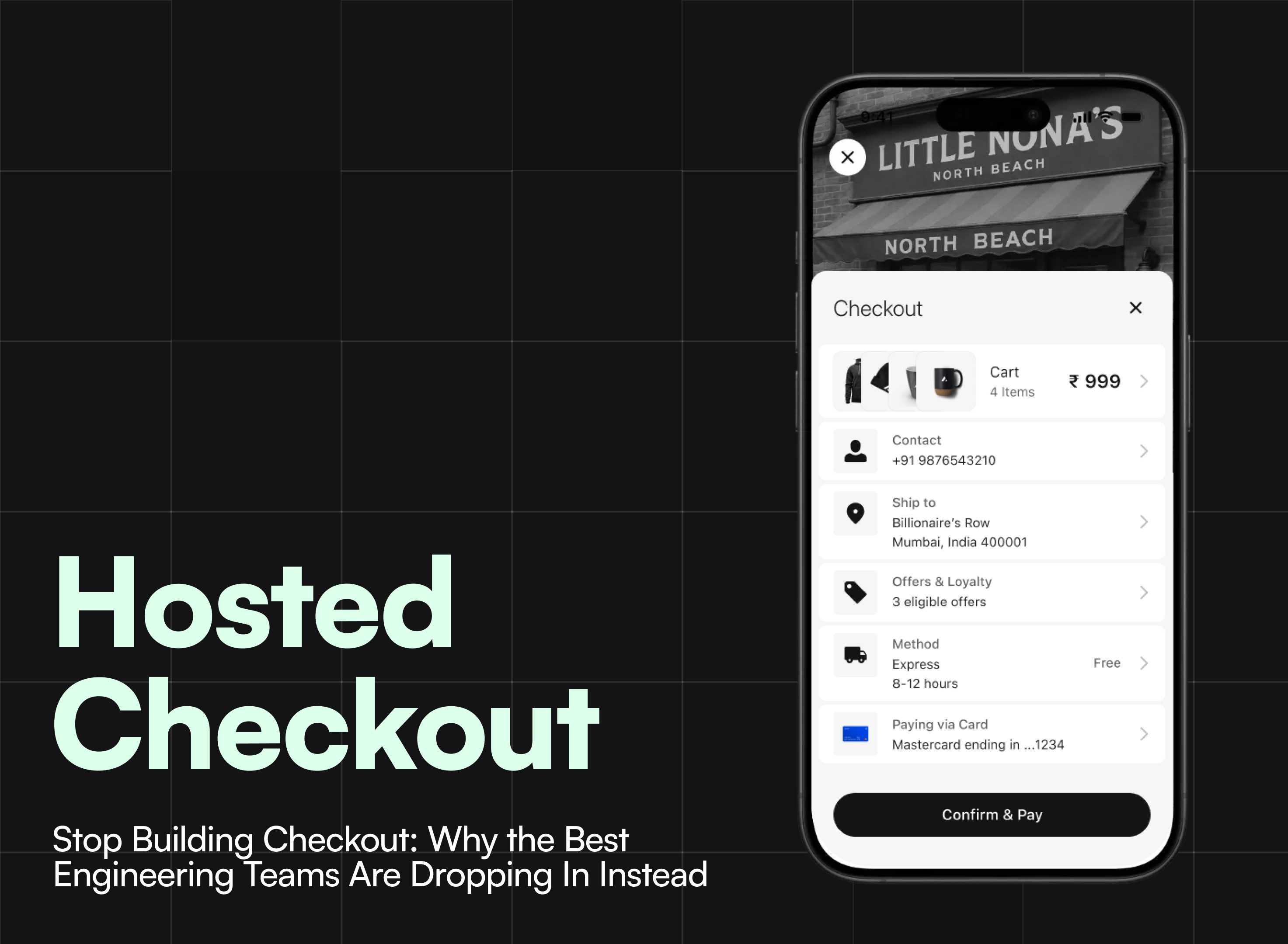
Every version implements the same feature set: product listings, product detail pages with variant selection, category pages, full-text search with faceted filtering, wishlists, and Commerce Engine's hosted checkout handling authentication, payments, and order completion.
Every version ships with identical SEO: Product and BreadcrumbList structured data, OpenGraph and Twitter Card meta tags, canonical URLs, and a SearchAction schema for sitelinks.
The full source code is open. You can clone it and run Lighthouse yourself.
The Results
TanStack Start was the only framework that scored a perfect 100 across all four Lighthouse categories — Performance, Accessibility, Best Practices, SEO — on both desktop and mobile.
Astro, SvelteKit, and Next.js were close behind, all scoring 96+ on Performance and 100 on everything else. The minor deductions were unrelated to the frameworks — a 404 console log when no cart exists yet (a browser behavior that no framework can suppress in code).
The React + Vite SPA scored 100s on desktop across the board, but dropped on mobile Performance. This is expected: a client-side SPA ships the full React runtime, router, and application bundle before anything renders. On Lighthouse's simulated throttled 4G connection, that payload matters. It still scored comfortably above 90 — but the gap to the pre-rendered frameworks is real when you're optimizing for mobile shoppers.
Now, let's talk about why each framework performed the way it did.
Best Practice #1: Pre-render Everything You Can
The single biggest performance lever across all four SSG frameworks was the same: don't make the browser fetch data at runtime if you can bake it into HTML at build time.
Every framework has its own syntax for this, but the pattern is identical — call the Commerce Engine SDK at build time with the public accessor (no session, no cookies, just an API key), and embed the result into static HTML.
Next.js uses generateStaticParams to enumerate product slugs, then each page fetches its data at build time with revalidate = 3600 for hourly ISR:
// app/product/[slug]/page.tsx
export const revalidate = 3600;

export async function generateStaticParams() {
  const sdk = storefront.publicStorefront();
  const { data } = await sdk.catalog.listProducts({ limit: 100 });
  return (data?.products ?? []).map((p) => ({ slug: p.slug || p.id }));
}

export default async function ProductPage({ params }) {
  const sdk = storefront.publicStorefront();
  const [productResult, similarResult] = await Promise.all([
    sdk.catalog.getProductDetail({ product_id: slug }),
    sdk.catalog.listSimilarProducts({ product_id: [slug] }),
  ]);
  // ...render static HTML with this data
}
TanStack Start uses loader functions that run at build time when prerendering is enabled. The crawlLinks: true config automatically discovers all routes by following links — no manual slug enumeration needed:
// vite.config.ts
tanstackStart({
  prerender: {
    enabled: true,
    crawlLinks: true,
    concurrency: 10,
    filter: ({ path }) => !path.startsWith("/search"),
  },
})
// routes/product/$slug.tsx
export const Route = createFileRoute("/product/$slug")({
loader: async ({ params }) => {
const sdk = storefront.publicStorefront();
const { data } = await sdk.catalog.getProductDetail({ product_id: params.slug });
return { product: data?.product };
},
component: ProductDetailPage,
});Astro uses getStaticPaths — same concept, different name:
---
// pages/product/[slug].astro
export async function getStaticPaths() {
  const { data } = await publicSdk.catalog.listProducts({ limit: 100 });
  return (data?.products ?? []).map((p) => ({ params: { slug: p.slug || p.id } }));
}

const [productResult, similarResult] = await Promise.all([
  publicSdk.catalog.getProductDetail({ product_id: slug }),
  publicSdk.catalog.listSimilarProducts({ product_id: [slug] }),
]);
---
SvelteKit uses adapter-static with prerender = true at the layout level, and SvelteKit's crawler automatically finds all linked pages:
// routes/+layout.server.ts
export const prerender = true;

// routes/product/[slug]/+page.server.ts
export const load = async ({ params }) => {
  const sdk = serverStorefront.publicStorefront();
  const [productResult, similarResult] = await Promise.all([
    sdk.catalog.getProductDetail({ product_id: params.slug }),
    sdk.catalog.listSimilarProducts({ product_id: [params.slug] }).catch(() => null),
  ]);
  return { product: productResult.data.product, similarItems: similarResult?.data?.products ?? [] };
};
The React + Vite SPA is the outlier. It can't pre-render — every page load starts with a blank <div id="root"></div> and fetches data client-side via React Query hooks:
export function useProductDetail(slug: string) {
  const query = useQuery({
    queryKey: ["productDetail", slug],
    queryFn: async () => {
      const { data, error } = await sdk.catalog.getProductDetail({ product_id: slug });
      if (error) throw new Error(error.message);
      return data;
    },
  });
  return { product: query.data?.product, isLoading: query.isLoading };
}
This is perfectly fine for desktop performance and works great behind authentication. But for a public storefront where Google needs to index your product pages and mobile users are on 4G? Pre-rendering is worth the build-time complexity.
Takeaway: If your storefront is public-facing, use SSG. The framework doesn't matter as much as the decision to pre-render.
Best Practice #2: Images Make or Break Your Score
Images are the heaviest assets on any e-commerce page. Get them wrong and no amount of framework optimization will save your Lighthouse score. Here's what we did:
Use an image CDN with on-the-fly transforms
All static imagery (hero banners, editorial photos, collection images) is served through ImageKit, which handles responsive resizing, format negotiation (WebP/AVIF), and quality optimization on the edge.
Each framework wires this up slightly differently based on its image primitive:
Next.js uses next/image with priority for above-the-fold images — this triggers preload hints and disables lazy loading:
<Image
  src={images.heroImage}  // ImageKit URL
  alt="Modern jewelry collection"
  width={2690} height={1792}
  sizes="calc(100vw - 48px)"
  priority  // Preloads the LCP image
/>
Astro uses the ImageKit React SDK with loading="eager" for the same effect:
<Image
  urlEndpoint={IMAGEKIT_ENDPOINT}
  src={imagePaths.heroImage}
  transformation={[{ quality: 80 }]}
  sizes="calc(100vw - 48px)"
  loading="eager"
/>
SvelteKit generates responsive srcsets manually using an ImageKit utility, giving full control over the exact breakpoints:
const WIDTHS = [320, 640, 768, 1024, 1280, 1536, 1792];

export function ikSrcset(path: string, quality = 80): string {
  return WIDTHS.map((w) =>
    `${IMAGEKIT_ENDPOINT}/tr:w-${w},q-${quality}${path} ${w}w`
  ).join(", ");
}<img
src={hero.src}
srcset={hero.srcset}
sizes="calc(100vw - 48px)"
width={2690} height={1792}
loading="lazy"
decoding="async"
/>Product images need srcset with density descriptors
Product images come from the Commerce Engine API with multiple pre-generated sizes (url_tiny, url_thumbnail, url_standard, url_zoom). Instead of picking one, we built a StorefrontImage component that maps these to density descriptors:
// A "standard" variant shows url_standard at 1x, url_zoom at 2x
const SRCSET_VARIANTS = {
  standard: [
    { density: "1x", key: "url_standard" },
    { density: "2x", key: "url_zoom" },
  ],
  thumbnail: [
    { density: "1x", key: "url_thumbnail" },
    { density: "2x", key: "url_standard" },
  ],
};
This means a product card in a grid gets the url_standard (400px) image on normal displays and url_zoom (1000px+) on Retina — without wasting bandwidth on lower-density screens.
Set width and height on every image. Period.
This sounds trivial but it's the most common CLS (Cumulative Layout Shift) offender. Every <img> in the codebase has explicit width and height attributes. The browser reserves the correct aspect ratio before the image loads, preventing layout shifts.
Lazy load below the fold, eagerly load the LCP
Above-the-fold hero images use loading="eager" (or Next.js's priority). Everything else — product grids, carousels, editorial sections below the fold — uses loading="lazy" and decoding="async". This is simple, but the delta on LCP (Largest Contentful Paint) is dramatic.
Takeaway: Use an image CDN. Serve responsive images with srcset. Set explicit dimensions on every <img>. Mark your LCP image as priority or eager. These four things matter more than which framework you choose.
Best Practice #3: Hydrate Only What Needs to Be Interactive
This is where the frameworks diverge most sharply.
Astro's islands architecture is the most aggressive approach. The entire page shell — layout, header markup, footer markup, meta tags, structured data — renders as zero-JS static HTML. Only interactive components hydrate, and only when the browser is idle:
<!-- Static shell: zero JS -->
<Layout title={productTitle} description={productDescription}>
  <!-- Interactive island: hydrates when browser is idle -->
  <ProductContent client:idle serverProduct={product} serverSimilarItems={similarItems} />
</Layout>
The navigation uses client:load (hydrates immediately) because it needs to be interactive right away. Content pages use client:idle because the user won't interact with them during the initial paint.
SvelteKit takes a different approach: it pre-renders the full page as HTML with all the data inline, then Svelte's compiler generates minimal JS that "activates" the page. There's no virtual DOM reconciliation — Svelte compiles to direct DOM operations, so the hydration cost is inherently lower than React-based frameworks.
Next.js and TanStack Start both do full React hydration, but the pre-rendered HTML means users see content immediately while React boots up in the background.
The React + Vite SPA has no server-rendered HTML at all. The browser downloads the JS bundle, executes it, then fetches data and renders the page. To mitigate the impact, we code-split aggressively — every route except the homepage is a lazy() import:
const Category = lazy(() => import("./pages/Category"));
const Search = lazy(() => import("./pages/Search"));
const ProductDetail = lazy(() => import("./pages/ProductDetail"));
This keeps the initial bundle to just the homepage code. But it's still fundamentally more work for the browser than receiving pre-rendered HTML.
Takeaway: The less JavaScript you send to the browser, the faster your page feels. Astro's islands are the most extreme version of this. SvelteKit's compiler-based approach is a close second. Full React hydration is the heaviest, but still performs well when the HTML is pre-rendered.
Best Practice #4: Preconnect to Your Critical Origins
A small thing that adds up: every version of Linea preconnects to the external origins it depends on — the Commerce Engine API, the image CDN, and the checkout iframe.
The SPA does this in the HTML head since there's no server to inject hints:
<link rel="preconnect" href="https://cdn.commercengine.io" crossorigin>
<link rel="preconnect" href="https://staging.api.commercengine.io" crossorigin>
SvelteKit goes further with a server hook that selectively preloads only critical assets — JS, CSS, and the primary font:
export const handle: Handle = async ({ event, resolve }) => {
  return resolve(event, {
    preload: ({ type, path }) => {
      if (type === "js" || type === "css") return true;
      if (type === "font" && path.includes("dm-sans")) return true;
      return false;
    },
  });
};
TanStack Start uses defaultPreload: "intent" on the router, which preloads the next page's data when the user hovers over a link — making navigations feel instant:
createTanStackRouter({
  routeTree,
  defaultPreload: "intent",
});
SvelteKit achieves the same with data-sveltekit-preload-data="hover" on the body element.
Takeaway: Preconnect to your API and CDN origins. Preload route data on hover/intent. These are free performance wins that cost zero complexity.
Best Practice #5: Structured Data and Meta Tags at Build Time, Not Runtime
Every version of Linea ships with Product, BreadcrumbList, WebSite, and Organization JSON-LD schemas. For the SSG frameworks, these are embedded directly into the static HTML at build time — crawlers see them on the first byte.
The SPA has to inject structured data at runtime using useEffect:
useEffect(() => {
  const scripts = schemas.map((schema) => {
    const script = document.createElement("script");
    script.type = "application/ld+json";
    script.text = JSON.stringify(schema);
    document.head.appendChild(script);
    return script;
  });
  return () => { for (const s of scripts) s.remove(); };
}, [schemas]);
This works — Google's crawler executes JavaScript — but it's an extra round trip that the SSG frameworks avoid entirely.
Each framework has its own way of embedding structured data at build time:
Next.js:
dangerouslySetInnerHTMLon a<script>tag in the server componentTanStack Start: The
head()function on the route definition with ascriptsarrayAstro:
set:htmlon a<script is:inline>tag in the.astrotemplateSvelteKit:
{@html}inside<svelte:head>
The pattern is the same: compute the schema from the server-side product data, serialize it to JSON, embed it in the HTML. The syntax varies. The Lighthouse SEO score doesn't.
Takeaway: If you're pre-rendering, there's no reason for structured data to be injected client-side. Bake it into the HTML at build time.
Best Practice #6: Parallel Data Fetching
On the product detail page, you need two pieces of data: the product itself and its similar products for the recommendation carousel. Every SSG version of Linea fetches both in parallel with Promise.all:
const [productResult, similarResult] = await Promise.all([
  sdk.catalog.getProductDetail({ product_id: slug }),
  sdk.catalog.listSimilarProducts({ product_id: [slug] }),
]);
This is a small thing, but it cuts the build time for product pages nearly in half compared to sequential fetches. On a catalog with hundreds of products, that adds up.
The SPA fetches these with separate React Query hooks that fire concurrently, achieving the same effect through React Query's built-in parallelism.
Takeaway: Never fetch sequentially what you can fetch in parallel. This applies at build time just as much as at runtime.
The Commerce Engine Angle: Why the SDK Made This Easy
Building the same storefront five times sounds painful. The reason it wasn't is that the Commerce Engine SDK is designed for exactly this scenario.
Every framework installs the same package — @commercengine/storefront — and uses a framework-specific factory function that handles token storage, session management, and server/client boundaries automatically:
// Next.js
import { createNextjsStorefront } from "@commercengine/storefront/nextjs";

// TanStack Start
import { createTanStackStartStorefront } from "@commercengine/storefront/tanstack-start";

// SvelteKit
import { createSvelteKitStorefront } from "@commercengine/storefront/sveltekit";

// Astro
import { createAstroServerStorefront } from "@commercengine/storefront/astro/server";

// Vite SPA
import { createStorefront } from "@commercengine/storefront";
The API calls are identical everywhere. sdk.catalog.listProducts(), sdk.catalog.getProductDetail(), sdk.catalog.searchProducts() — the same methods, the same types, the same response shapes. The only thing that changes is where the call runs (server, client, or build time) and how tokens are stored (cookies, localStorage, or memory).
The hosted checkout integration is similarly framework-agnostic: initialize with authMode: "provided", wire up two-way token sync between the SDK and the checkout iframe, and you get a complete cart → auth → address → payment → confirmation flow without building any of it yourself.
We also used our AI skills package throughout the build. The skills give AI coding assistants deep knowledge of Commerce Engine patterns — which accessor to use for public reads vs. session flows, how to handle variant selection, the correct way to wire up checkout token sync. When you're building across five frameworks, having an AI agent that understands your SDK's conventions saves real time.
So Which Framework Should You Pick?
After building the same store five times, we don't think the framework is the most important decision. The performance best practices outlined above — pre-rendering, image optimization, selective hydration, preconnect hints, build-time structured data — matter far more than React vs. Svelte vs. Astro.
That said, here's what each framework is best at:
TanStack Start delivered the best raw Lighthouse scores — perfect 100s across the board on both desktop and mobile. Its crawlLinks prerendering means you don't have to manually enumerate every route. If you're a React team that wants top-tier performance with minimal configuration, it's hard to beat.
Next.js has the largest ecosystem, the most documentation, and the biggest hiring pool. ISR (Incremental Static Regeneration) means your product pages stay fresh without full rebuilds. If you need middleware, image optimization out of the box, and a mature deployment story, it's the safe choice.
Astro ships the least JavaScript. Its islands architecture means your product listing pages can be truly static — zero JS until you scroll to an interactive component. If your storefront is content-heavy and SEO is your top priority, Astro is purpose-built for that.
SvelteKit compiles away the framework. No virtual DOM, no hydration overhead, just direct DOM operations. The resulting bundle is the smallest of the React-based alternatives. Svelte 5's $derived makes reactive state elegant. The tradeoff is a smaller component ecosystem.
React + Vite is the simplest setup — no server, no build-time data fetching, no SSR complexity. Performance is excellent on desktop. If your storefront is behind authentication, or you're building an internal commerce tool where SEO doesn't matter, it's the right call.
Try It Yourself
The full source code is MIT licensed and open:
git clone https://github.com/tark-ai/ce-starter-projects.git
cd ce-starter-projects
bun install
cp .env.example .env  # Add your Commerce Engine credentials
bun run dev:linea-next  # or dev:linea-tanstack, dev:linea-astro, dev:linea-svelte, dev:linea
Run Lighthouse against the production deployments. Read the product detail pages side by side. Steal the image optimization patterns for your own projects.
The framework matters less than you think. The fundamentals matter more than you'd expect.
Commerce Engine is a headless, API-first commerce platform with first-class SDK support for every major JavaScript framework. Get started →